![Logo White and Orange.png]](https://support.accessagility.com/hs-fs/hubfs/Logo%20White%20and%20Orange.png?height=40&name=Logo%20White%20and%20Orange.png)
Cisco Solution
- Login to cisco controller
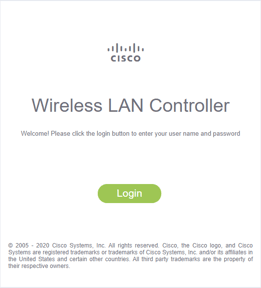
- Click on advanced tab

- Click on WLANs tab

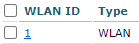
- Select an SSID you would like to change from "WLAN ID"
- Select "Advanced" tab
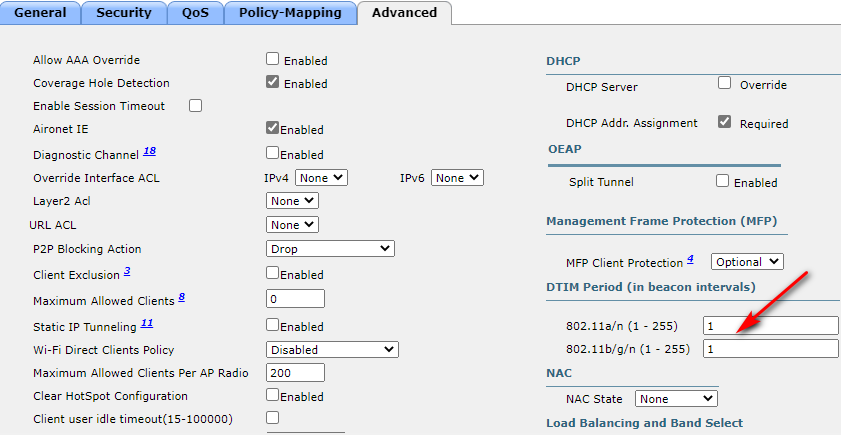
- Click “Apply”

- Click "Save Configuration" to save changes to WLC

- More information can be find from Cisco Technical Reference Link ↓
Link: