![Logo White and Orange.png]](https://support.accessagility.com/hs-fs/hubfs/Logo%20White%20and%20Orange.png?height=40&name=Logo%20White%20and%20Orange.png)
To export Event Viewer application logs for WiFi Scanner, follow these steps:
- Open Event Viewer
- Press
Win + R, typeeventvwr.msc, and hitEnter.
- Press
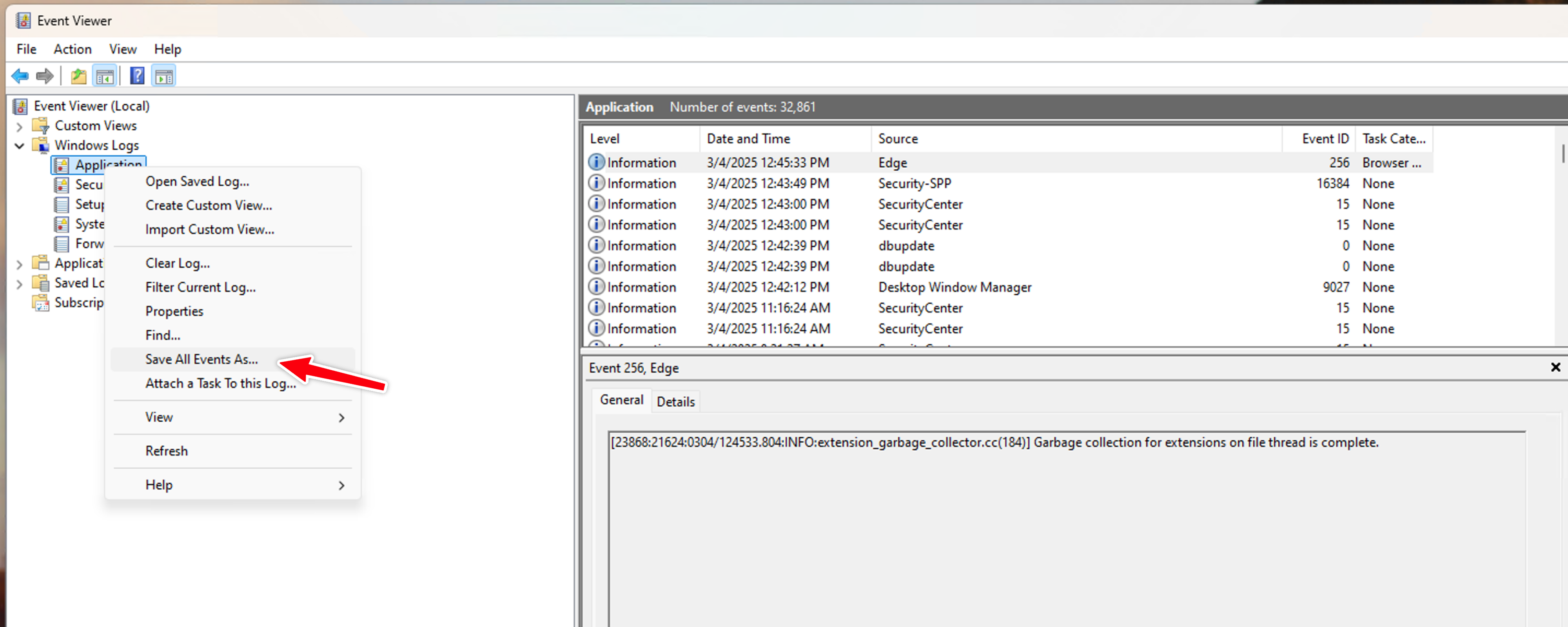
- Expand Windows Logs
- Right Click Application
- Select Save All Events As
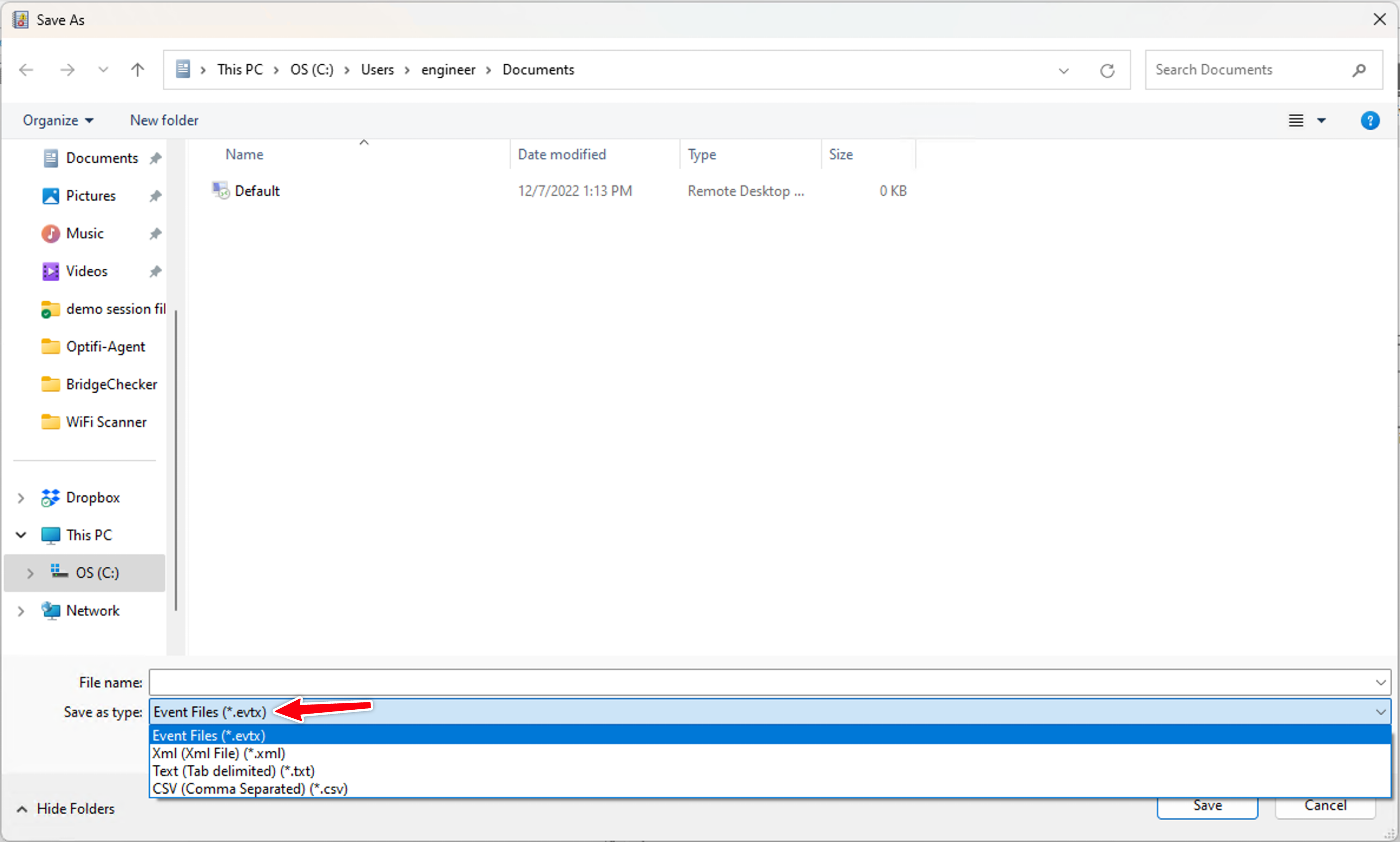
5. Save file to .evtx format and email to support@accessagility.com