![Logo White and Orange.png]](https://support.accessagility.com/hs-fs/hubfs/Logo%20White%20and%20Orange.png?height=40&name=Logo%20White%20and%20Orange.png)
Cisco Solution
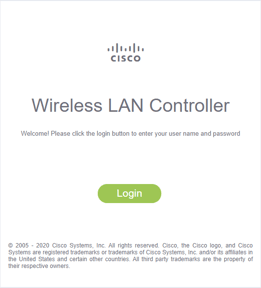
- Login to cisco controller
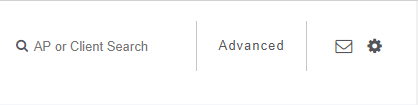
- Click on advanced tab
- Click on Wireless tab

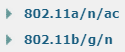
- Expand your WiFi 802.11 protocols and click "Network"
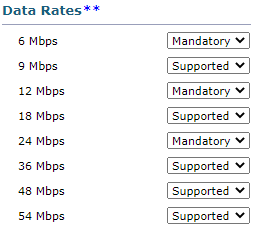
- Adjust "Data Rate**" to meet your network policy
- Click “Apply”

- Click "Save Configuration" to save changes to WLC
